Parts Implemented by Burak Bekci
Frontend of homepage and admin page, CRUD operations of Events and Drinks table, select, delete and update operations of Order table and achievement control.
Homepage
Every user authorized or not will see this page when they visit the website. Hence, homepage should contain general information about website and also it should contain attractive parts. For that reason, current events and news about restaurants, website and users are listed on this page.
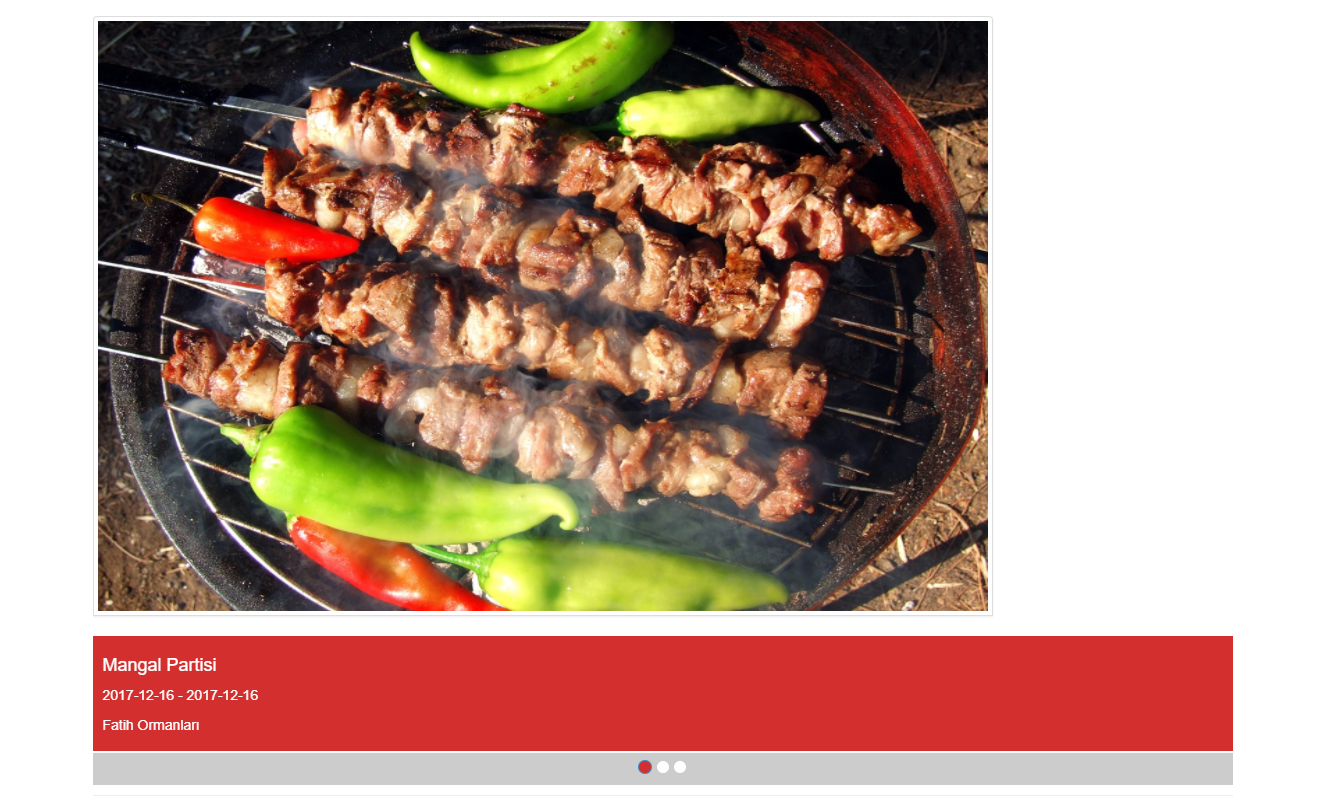
Current events listed in this slider. By clicking the event image user can go web page of each event.
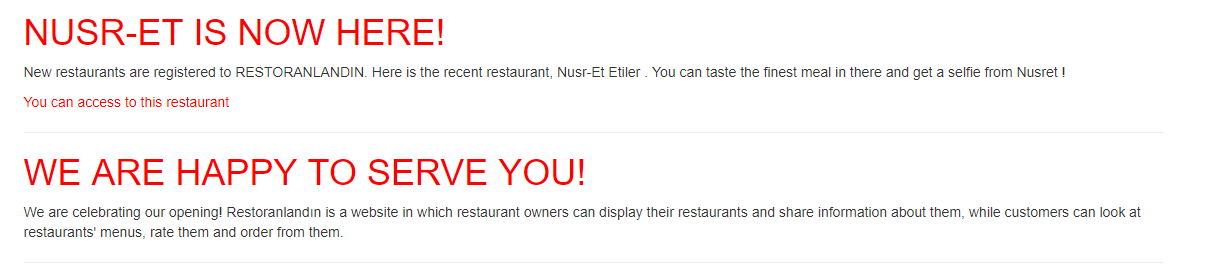
News about website, restaurants and users.Clicking names of the news will open their edit pages. However, this option is available for only admin.
Events Page
Details of event, time and place of the event are shown on this page. Users can select “Going” or “Not Going” to that Event via a button. Users who selected “Going” are listed at the bottom of the page. Admin can edit event via “Edit Event” button which is visible for admin only.
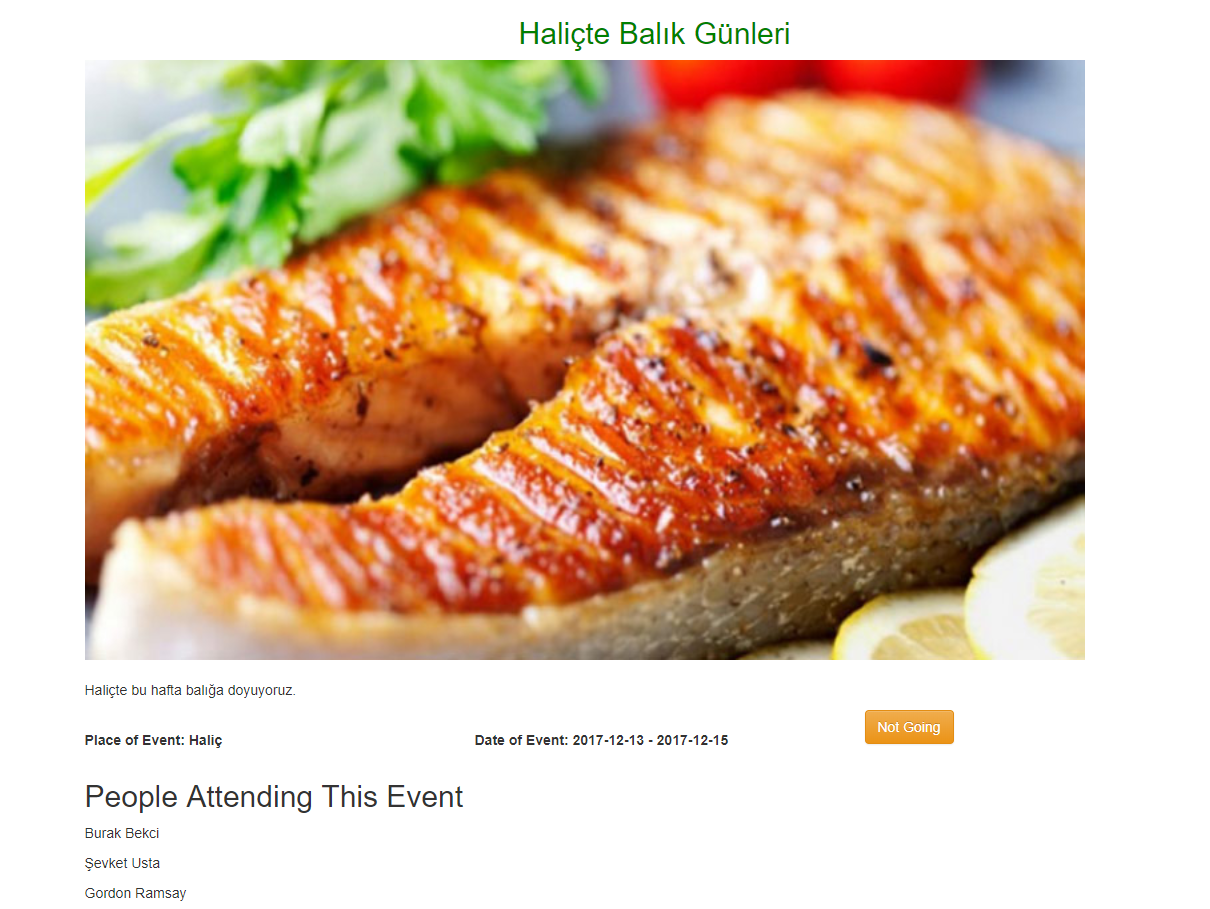
An event page view which current user registered for the event. For the admin “Not Going” button will change to “Edit Button”. For a user not registered for th event button will be “Going”.
Admin Page
In this page, admin can control everything. Restaurants, events, achievements, and users are listed so that admin can delete them. By clicking the names of the achievements admin can edit an achievement. At the middle of the page, there is “message to user part”. Admin can send a message to any user. Below of it, there is a part for admin to publish a new. The published news will be listed on the homepage. At the bottom of the page, there are links for creating events and achievements.
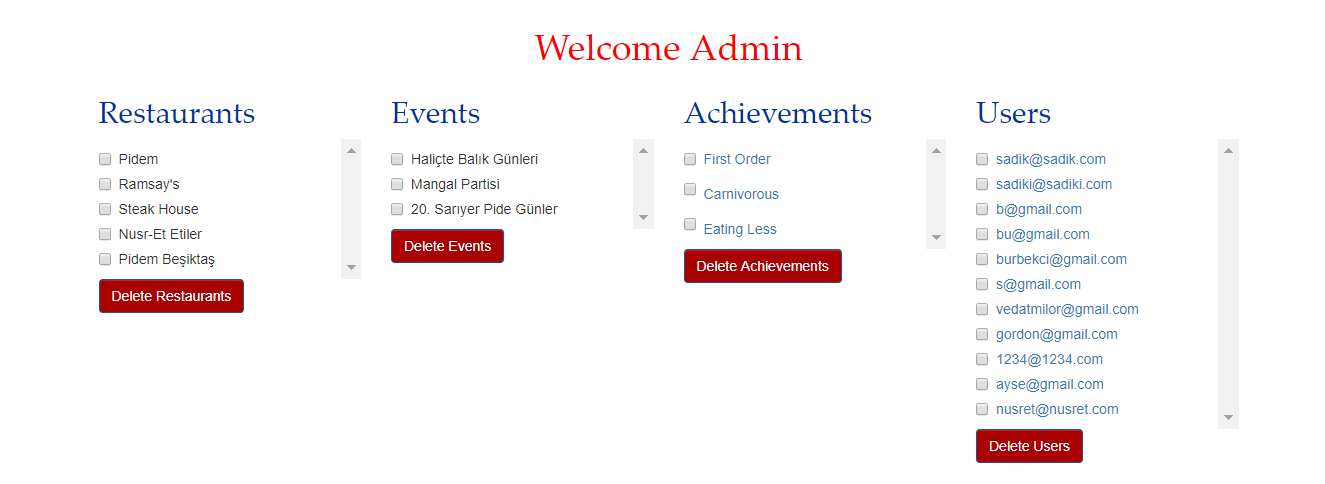
Lists of restaurants,events,achievements and user. Admin can delete them from here.
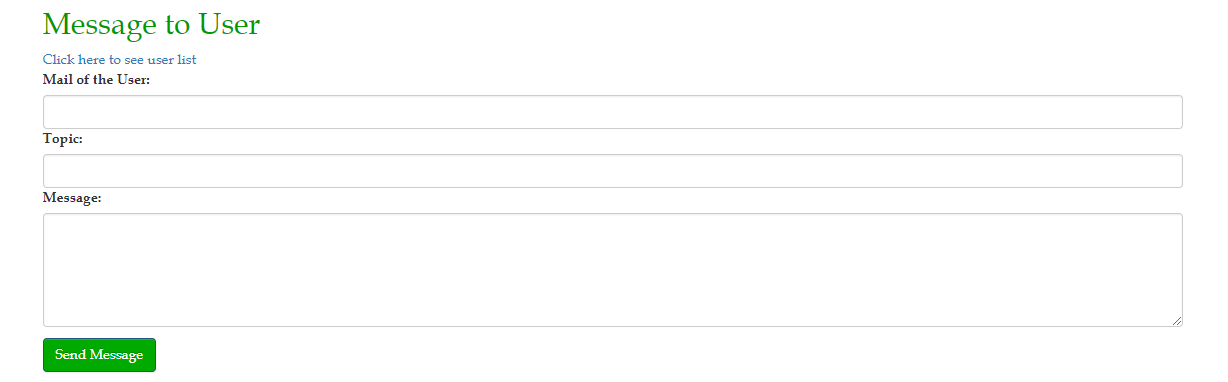
Admin can message any user with this form. Whit the link under the title admin can list and select current registered users.
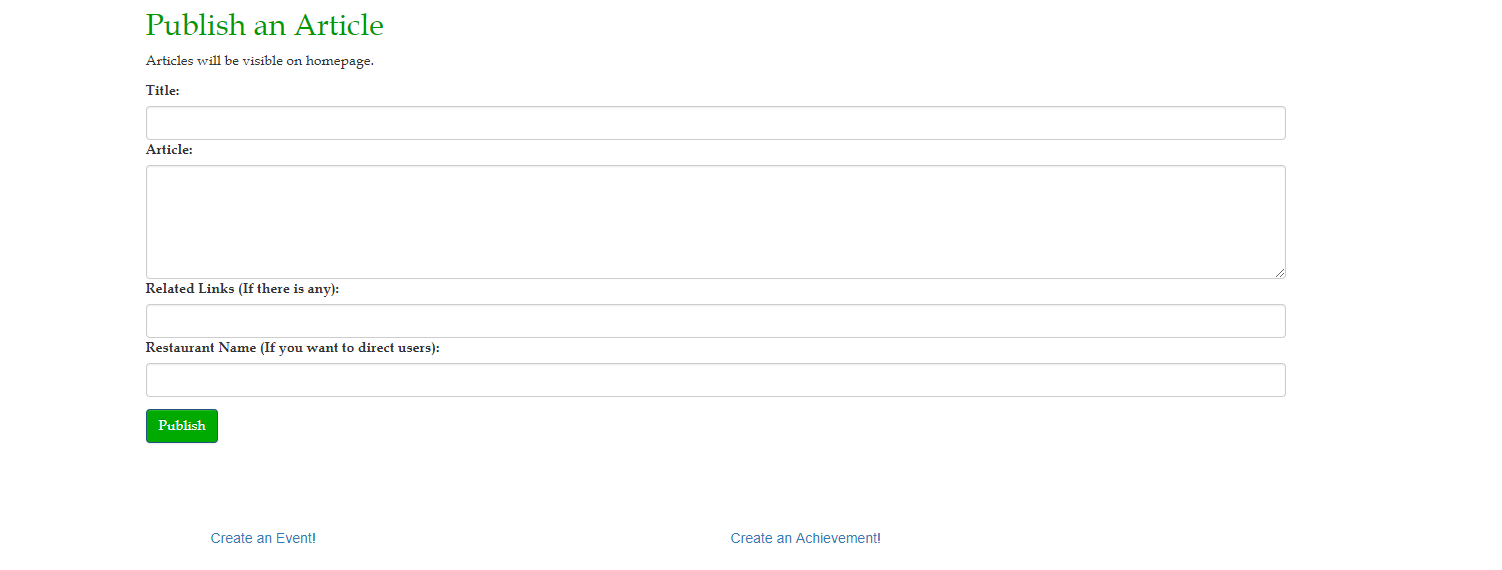
To post news admin have to use the form above. The links under the form will open creation pages for events and achievements.
Event Create Form
This page available for admin only. All the information except “Potograph link of event” must given. Also “Starting Date of Event” must earlier than “Ending Date of Event”. Admin can open Event Edit form via Edit button on the Events page. Edit form is very similar to Create form. The only difference is, in the Edit from there will be existing values of that Event.
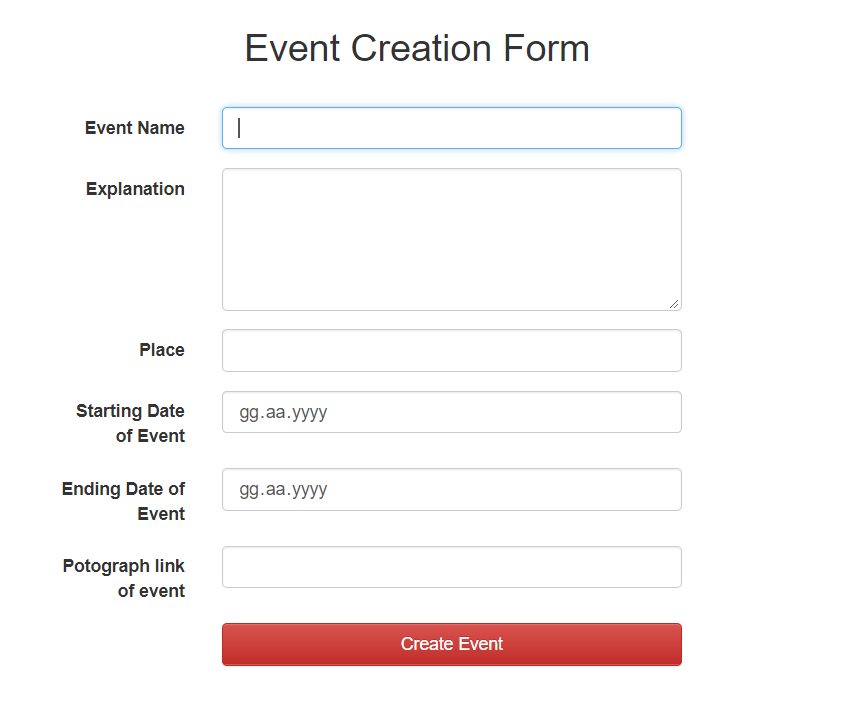
Event creation form. They will shown in the slider on the homepage. This form created by Alperen Kantarcı. I only edited it.
Drink Create Form
Admin and restaurant owners can add drinks to website with this form.
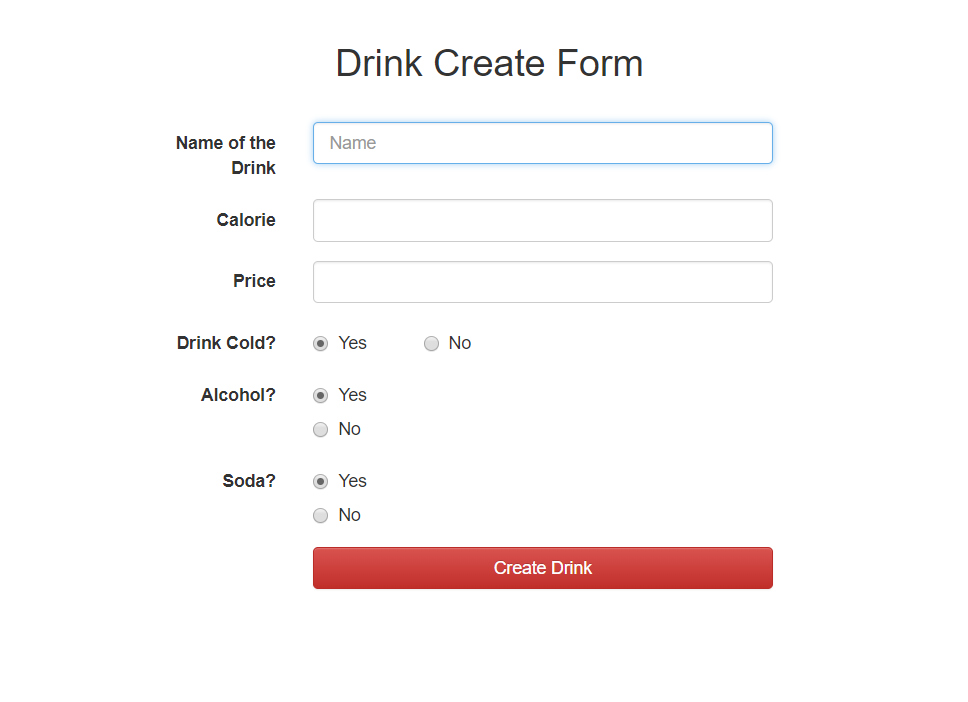
Drink creation form. Added drinks will be shown in menuitems page so that restaurant owners can add them to their restaurant. This form created by Alperen Kantarcı. I only edited it.